
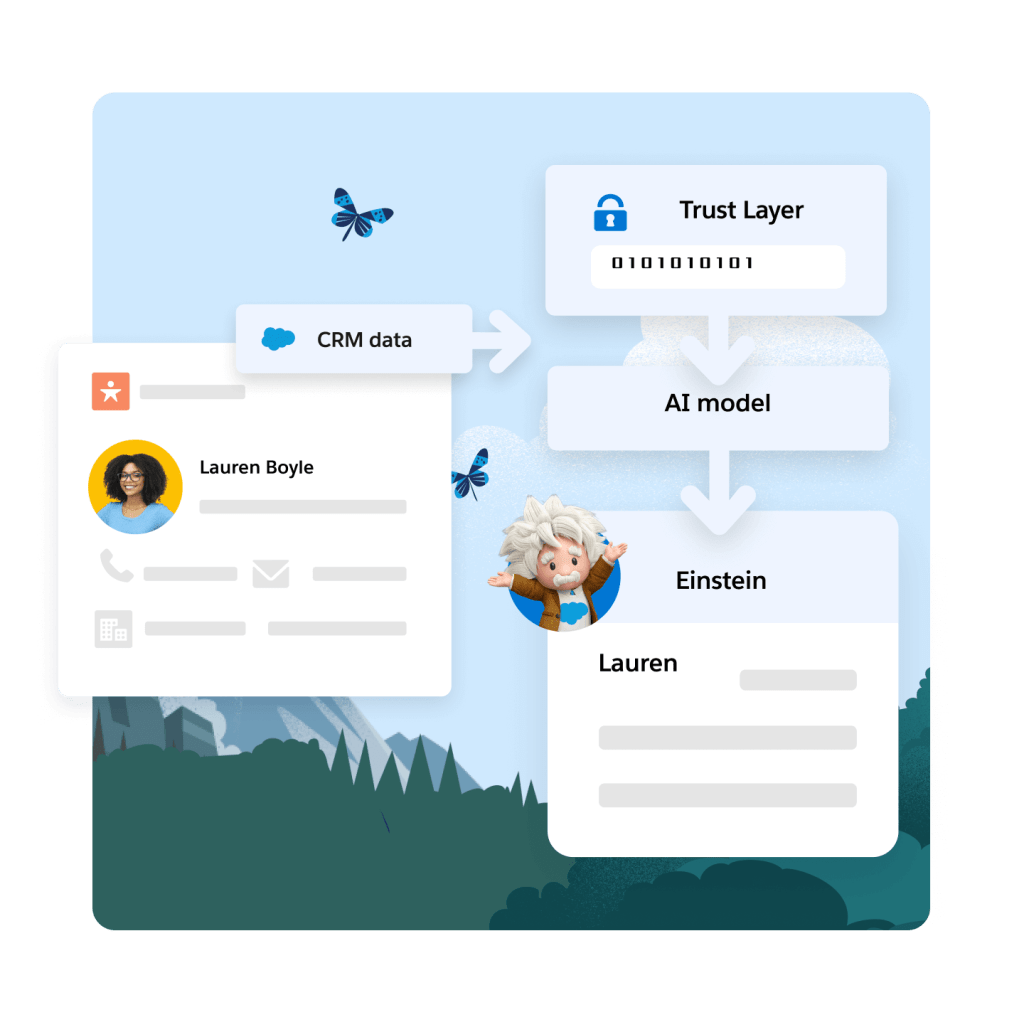
Introduction
Einstein Activity Capture should bring your Google Calendar events into Salesforce, including on Opportunities. Many users see events on Contacts but not on Opportunities. This gap leaves sales teams with incomplete data and extra work to track key interactions. The issue often stems from specific settings and role assignments that stop data from syncing properly. Let's explore this problem with a clear example:
Real-world Experience
Here's an example that shows a common challenge with Einstein Activity Capture:
I've been testing Einstein Activity Capture in my sandbox with fake email contacts. My Google Calendar events show up on Contacts, but they never appear on Opportunities, even though the contacts are set with the right roles.
This case reflects a wider problem where event data does not sync as expected, a hurdle many admins face when setting up the system.
Einstein Activity Capture Solution
Based on community feedback and documentation, the issue often comes down to specific settings in Einstein Activity Capture. A key point is the toggle that determines whether events are added as full Salesforce records. Experts advise checking these settings, along with ensuring proper Contact Role assignments in Opportunities. Below are the steps needed to resolve this issue:
Verify Setting for Record Creation
Navigate to Einstein Activity Capture settings. Look for the 'Only Show Events that are Salesforce records' option. Make sure it is turned off if you need events to sync to Opportunities.
Review Contact Roles
Confirm that the contacts are correctly set as primary or have the correct role on the Opportunity. Adjust the roles if needed to ensure the sync happens.
Test in Sandbox Environment
Update the settings in a sandbox, then create a test Google Calendar event. Check if the event appears on Opportunity records after the changes.
Contact Salesforce Support
If the issue persists after testing, raise a support case with Salesforce. Explain the settings and configurations you have adjusted for further guidance.
Limitations to Consider
This approach depends on current settings in Einstein Activity Capture. Changes in Salesforce releases may override them. Continuous monitoring is needed, and some cases might require more in-depth support.
Alternative Solution
It can be really frustrating when Einstein Activity Capture doesn't sync your Google Calendar events to Opportunities the way you need, leaving you with extra work and incomplete data. DryMerge is a solid alternative that can help you overcome these limits. DryMerge is an AI-native app that works with Salesforce and Google Calendar, ensuring that your information is updated accurately in Salesforce. It reads the important details from your events and links them correctly to Opportunities, making sure nothing is missed. With DryMerge, the specific challenge of missing event data is handled directly, and its AI abilities help pick out the details that matter most to your work.
EAC vs. DryMerge Comparison
| Feature | Einstein Activity Capture | DryMerge |
|---|---|---|
| Custom Object Sync | Automatic sync to custom objects isn't supported | Emails, calendar events, and anything else can be synced to your custom objects in Salesforce |
| Email Attachments | Attachments are not captured or saved to Salesforce | Email attachments are captured and saved in Salesforce however you need |
| Multiple Email Accounts | Cannot connect to both Gmail and Outlook simultaneously | Connects to both Gmail and Outlook simultaneously |
| Unstructured Data Processing | Limited ability to extract and organize meaningful data from unstructured email content | AI processing of unstructured email content to extract key details and create structured records |
| Data Enrichment | Basic activity logging with minimal data enrichment capabilities | Intelligent enrichment that pulls contact details, action items, and key insights from communication data |
By addressing these key limitations of Einstein Activity Capture, DryMerge offers a comprehensive solution that empowers your team with superior data handling capabilities. From intelligent processing of unstructured data to advanced enrichment features, DryMerge transforms your communication data into actionable insights while providing the flexibility to work with custom objects and multiple email accounts.
Tired of Einstein Activity Capture issues?
We'd love to show you how DryMerge handles emails, calendar events, and unstructured data extraction more reliably and accurately than Einstein Activity Capture.